Quick Start Guide

First entry, step by step

Eight concrete steps from zero browser to verified Torzon session. No assumed knowledge. No shortcuts that cost you later.

"One wrong character in a .onion address puts you on a phishing site that looks identical to the real one. Every step below is designed around that single risk." — Torzon Portal verification note

The Tor network is infrastructure. Torzon is one destination on it. Between you and that destination sit three relay nodes, an onion address, and your own browser configuration. Get any of these wrong and you either don't connect, connect to the wrong place, or connect without adequate privacy protection. None of those outcomes is acceptable.

This guide covers the complete path: verifying the Tor Browser download, setting security levels, copying a verified .onion link from the mirrors page, logging in, configuring two-factor authentication, and funding an escrow address with Monero. Twenty minutes from download to first session is realistic. Skipping steps costs more time later.


The Process

Eight steps, no missing pieces.

Follow in order. Each step builds on the previous. Step three matters most — don't skip it because it looks technical.

01 Download

Download Tor Browser from the only real source

Go to torproject.org — the official source only. Do not search for "Tor Browser download" and click a sponsored result. The domain you download from should be exactly www.torproject.org. Any variation — torrbrowser.com, tor-project.io, or anything else — is not the Tor Project.

The download page shows the version number and SHA-256 hash of each file. Note both before downloading. Available for Windows (64-bit and 32-bit), macOS (Apple Silicon and Intel), Linux, and Android. On Android, choose F-Droid over Google Play — F-Droid carries the same build without added analytics or Play Store attribution.

Download size is roughly 100MB. The installer is digitally signed. You'll verify that signature in the next step before running anything. Don't skip that step.

  • Only download from www.torproject.org
  • Note the file hash shown on the download page
  • Android: use F-Droid, not Google Play
  • Never use "portable" or "enhanced" Tor Browser forks
Tor network anonymity infrastructure showing relay nodes
02 Verify

Verify the download signature before running it

A verified download means the file is byte-for-byte identical to what the Tor Project signed. Supply-chain attacks — where an installer is silently replaced with a malicious copy between the server and your device — are a real threat category. PGP verification closes that door entirely.

On Linux and macOS: the .asc signature file is on the same download page. Import the GnuPG key as instructed on the Tor Project's documentation page. Run gpg --verify tor-browser-*.tar.xz.asc. A "Good signature from 'Tor Browser Developers'" message confirms the file is genuine.

On Windows: Gpg4win handles the verification process. The Tor Project's website has a visual guide that walks through it without requiring terminal commands. It takes about five minutes. An adversary cannot forge a valid PGP signature without the private key — a key the Tor Project has never published.

Warning: If verification fails — mismatched hash, bad signature, or the file size doesn't match — delete the file and download again directly. A failed verification means the file was altered after signing.

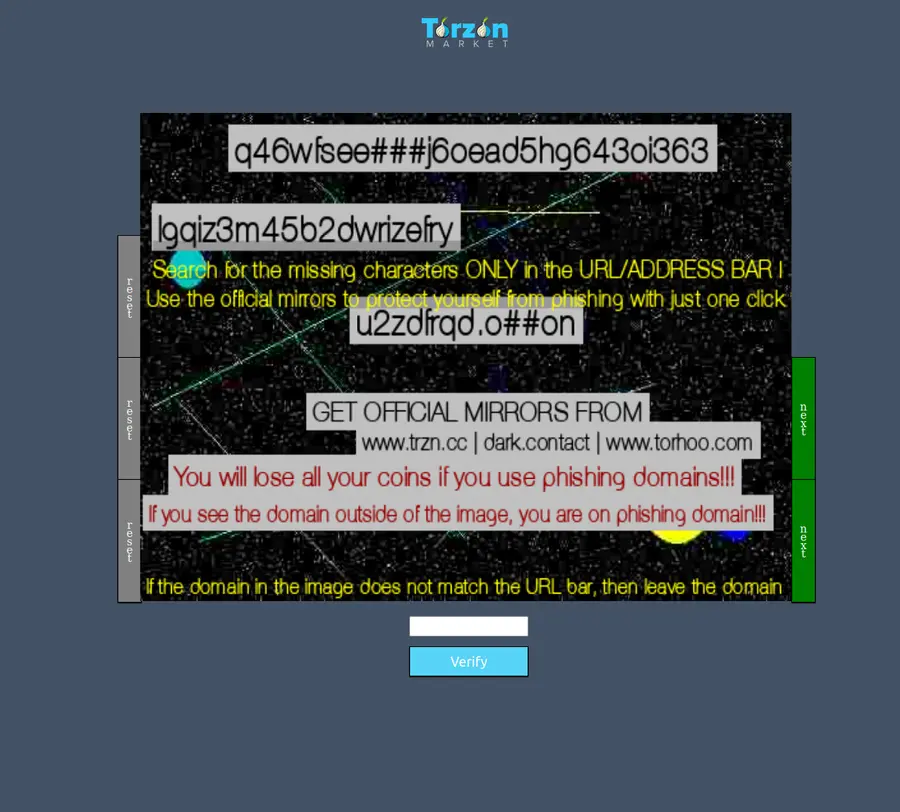
Anti-phishing code verification process on Torzon market
03 Configure

Set security level to Safest before visiting anything

Once Tor Browser is installed and connected to the network, change the security level immediately — before browsing anywhere. Click the shield icon in the toolbar. Select "Security Settings." Choose "Safest."

What Safest mode does: disables JavaScript on all sites by default, disables WebGL, disables certain web fonts, and prevents several browser fingerprinting vectors. Some clearnet sites will look broken or refuse to load. That's acceptable. Torzon is designed to work without JavaScript — it runs correctly on Safest. JavaScript is the most common exploit delivery mechanism in browser-based attacks.

Also navigate to about:config in the address bar and set media.peerconnection.enabled to false. This disables WebRTC. Without this change, some configurations can leak your real IP address even through Tor. It's a one-time setting.

Before proceeding to the next step, install KeePassXC on your operating system. You'll need it in step six to generate and store your account password. The Privacy Guides browser hardening section has additional Tor Browser configuration recommendations for high-risk threat models.

04 Get Link

Copy a verified link — never type .onion addresses

Never type a Torzon .onion address manually. The address is 56 characters of random-looking alphanumeric text followed by .onion. One wrong character routes you to a different server entirely. Phishing clones use addresses that differ by a single transposed character — visually indistinguishable at a glance.

Use only links from this portal's verified mirrors page or from Torzon's PGP-signed announcements on Dread. Every link listed here has been verified against the PGP-signed announcement. The signing key has been consistent since late 2022.

The verified primary link is available at the end of this guide and on the Working Mirrors page. Click "Copy" — don't highlight-and-drag the address text. Some browsers insert invisible whitespace when addresses are dragged, which breaks the connection.

After copying, you can check the address manually: 56 characters of lowercase a-z and 2-7, ending in .onion. If the length differs or if there are uppercase letters, the address was corrupted in transit.

Torzon market links verification guide showing how to check .onion addresses
05 Connect

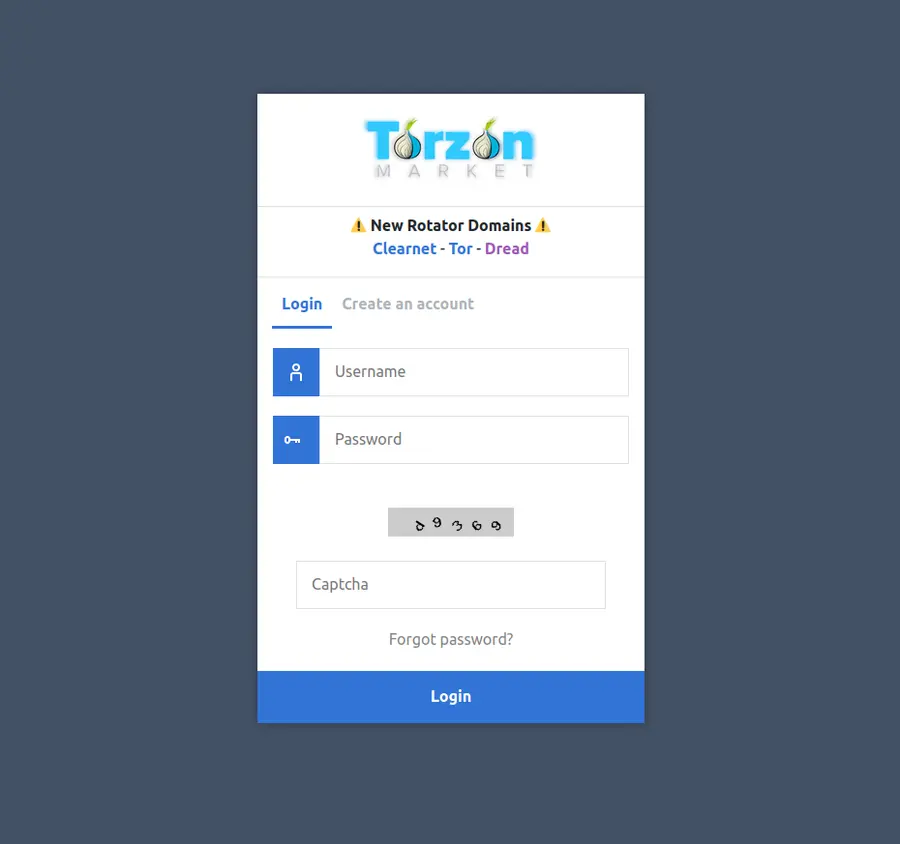
Paste into Tor Browser, complete captcha, set phrase

Paste the copied .onion address directly into the Tor Browser address bar. Not into a search engine, not into the regular URL bar of another browser. Tor Browser's address bar only. Press Enter. Connection takes 10–30 seconds — Tor routes traffic through three separate relay nodes before reaching the destination server. This latency is normal and expected.

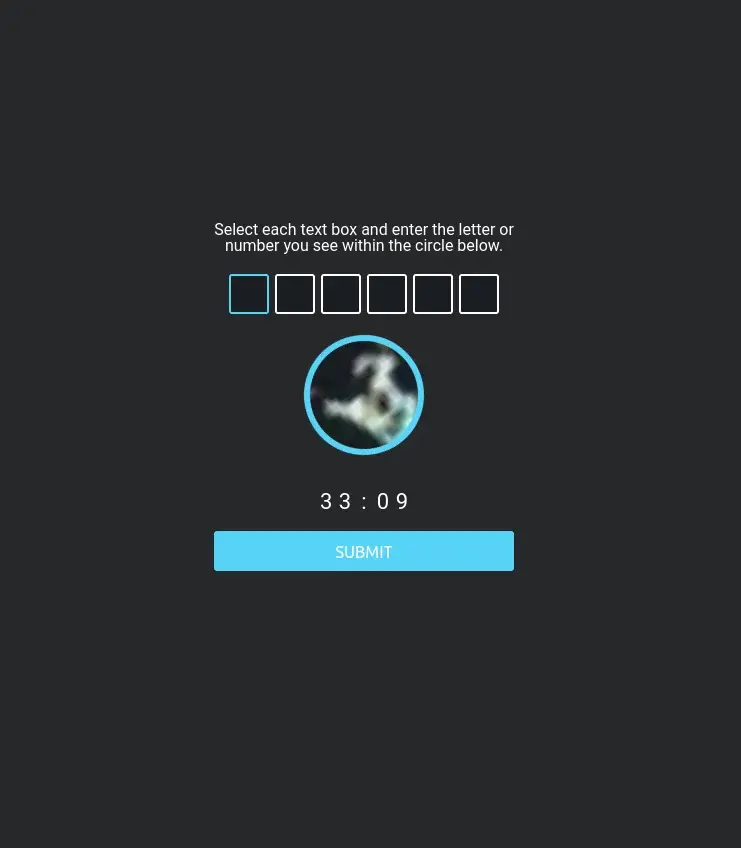
On first load, you'll encounter a CAPTCHA. This is Torzon's bot-prevention mechanism. It's text-based and works without JavaScript. Complete it normally. The CAPTCHA images are simple enough that they don't require JavaScript rendering.

After the captcha, Torzon prompts you to set an anti-phishing code — a personal phrase that appears on every subsequent login page. Set it immediately. Write it down offline, on paper. If you later visit the site and that phrase is absent or different from what you set, you're on a clone. Close the browser immediately and use a different mirror from the verified mirrors list.

If your chosen mirror is unreachable — circuit timeout, slow response, no connection — try one of the other four mirrors. All five are identical in functionality. Slow response on one mirror doesn't mean the market is down; it means that specific relay path is congested.

Torzon captcha verification and bot prevention screen
06 Register

Create an account with a non-identifying username and generated password

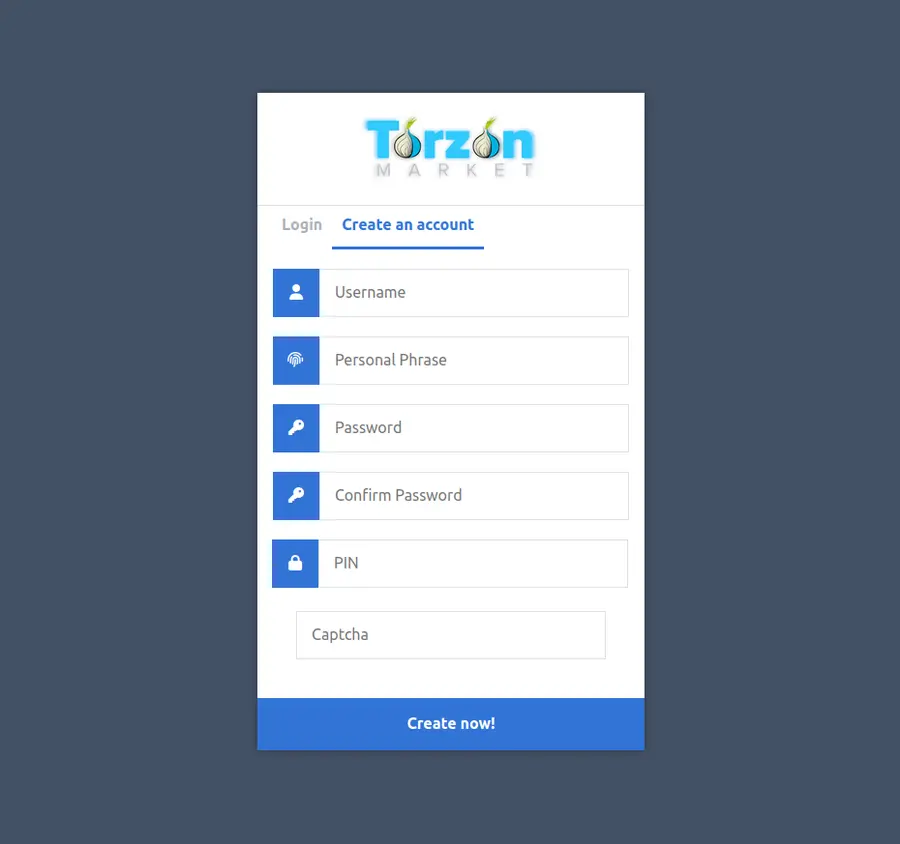
Registration requires a username and password. Both choices matter for long-term operational security.

Username: pick something with no connection to your real identity, past usernames on other platforms, or email addresses. No variations of your name, city, or birth year. No handles you've used on Reddit, Discord, or any clearnet forum. Random noun combinations — "northgate", "silverpath", "coldwater" — work well. The username is visible to vendors in your transaction history.

Password: generate it. Open KeePassXC, use the built-in password generator. Minimum 24 characters, mixed case, numbers, and symbols. Store it in KeePassXC only — not in Tor Browser's built-in password manager (which can sync to a Firefox account), not in a notes app, not in a text file on your desktop.

During registration, Torzon accepts your PGP public key. Paste your public key here if you have one ready. This enables PGP-encrypted messages between you and vendors, and unlocks PGP-based login — more phishing-resistant than a password alone. If you haven't generated a key yet, step seven covers that. You can add the public key to your profile from the account settings page after registration.

Torzon market registration form showing password strength requirements
07 PGP + 2FA

Generate a PGP key pair and enable two-factor authentication

Generate a PGP key pair before you register, or immediately after. On Linux and macOS, GnuPG is often pre-installed. Run gpg --full-generate-key. Choose RSA, 4096 bits minimum. Set a strong passphrase. Export your public key with gpg --armor --export your@address and paste it into your Torzon profile settings.

On Windows: GnuPG for Windows or Kleopatra (part of Gpg4win) provides a graphical interface that walks through key generation without terminal commands. Both work.

2FA options on Torzon: TOTP (time-based one-time passwords) compatible with open-source authenticator apps like Aegis (Android) and Raivo (iOS). PGP-based 2FA using your private key. Hardware security keys — YubiKey and similar FIDO2 devices. Hardware keys are the strongest option; a phishing site cannot intercept a hardware key challenge.

Store the PGP private key on an encrypted USB drive created with VeraCrypt. Never in cloud storage. Never emailed to yourself. Never on the same device you browse from, if avoidable. The private key is your account — its exposure is account exposure.

Torzon market login page showing 2FA authentication and PGP security
08 Fund

Fund with Monero and place your first transaction

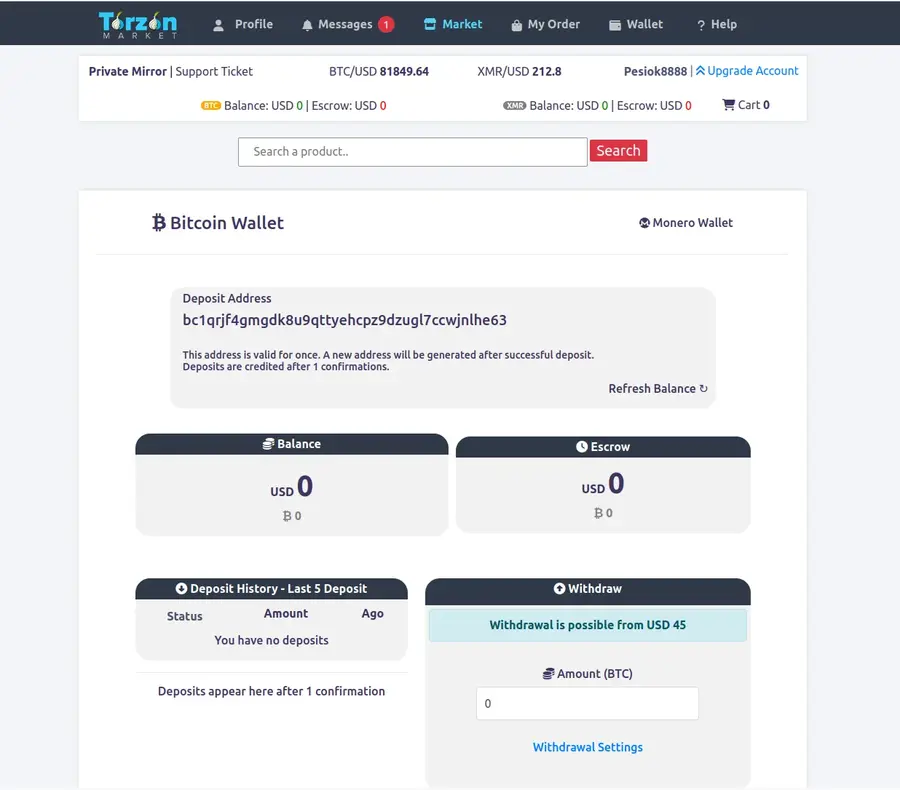
Torzon uses a walletless escrow system. There's no internal account balance to top up. When you place an order, the platform generates a unique multisig escrow address specific to that transaction. You send Monero directly from your own wallet to that address. Nothing is held centrally.

Get Monero wallet software from getmonero.org. Recommended: Cake Wallet (Android and iOS, open-source) or Feather Wallet (desktop, Linux, Windows, macOS). Both support standard Monero wallets and connect to the network directly without a custodial intermediary.

Acquire XMR peer-to-peer when possible. Haveno is a decentralized Monero exchange that runs as a Tor hidden service — no central server, no KYC requirement. Peer-to-peer trading platforms with established feedback scores offer cash and bank-transfer options. For buyers already holding BTC, Torzon's built-in atomic swap converts BTC to XMR before the transaction executes. The XMR fee on Torzon is 0.5%, versus 2% for Bitcoin.

When placing an order: read the generated escrow address carefully, verify the first and last six characters match what Torzon displays, and send the exact requested amount. Done. The time-locked smart contract protects your funds even if the platform becomes unreachable — 14 days to resolution or automatic refund.

Never send from a centralized exchange directly. Exchanges record destination addresses. Send to your own wallet first, then from your wallet to the escrow address. Two transactions, full chain break.

Torzon market Monero and Bitcoin payment wallet management interface

Operational Security

Before you start: the threat model question.

Your OPSEC needs to match your actual threat. A casual reader needs less than a repeat vendor operating at volume.

For most buyers using Torzon as occasional users, the eight steps above are sufficient. But if your threat model includes targeted monitoring — meaning someone with motivation and resources is specifically looking for you — additional measures are worth the friction they add.

Operating system

Tails OS is the simplest upgrade. It boots from a USB drive, routes all traffic through Tor by default, and leaves no trace on the host computer after shutdown. Nothing written to disk, everything in RAM, wiped on every restart. The Electronic Frontier Foundation recommends Tails as a baseline for journalists and at-risk individuals globally.

Whonix is a two-virtual-machine architecture: the "Workstation" VM has no direct network access — all traffic routes through the "Gateway" VM, which connects only to Tor. Running Whonix inside Qubes OS provides the strongest currently available configuration for high-risk use cases.

Messaging and side channels

Use Signal for any side-channel communication that must cross the clearnet. For messaging that requires no phone number at all, Briar routes messages through Tor with no central server. Encrypted email through Proton Mail handles correspondence that can't avoid email.

Correlation prevention

Never browse clearnet and privacy network simultaneously in the same browser session. Log out of all clearnet accounts — especially Google and Facebook — before opening Tor Browser. These platforms are designed to track session activity across tabs. A single logged-in Google tab is enough to correlate timing patterns with your Tor traffic.

Check for DNS leaks after connecting: run a DNS leak test from a reputable checker within the Tor session. If results show your ISP's servers, your configuration has a gap. For a Mullvad VPN subscription — which accepts Monero — this adds one more layer between your ISP and your Tor entry node.

Mobile devices

Mobile OPSEC is structurally weaker than desktop. Phones have sensors, always-on network connections, and operating systems that weren't designed with adversarial threat models in mind. If mobile is unavoidable, use Tor Browser for Android from F-Droid only. Don't use Chrome-based or Safari-based alternatives. And never mix privacy network browsing sessions with regular mobile use on the same device. For more detailed guidance, see the Platform Info page covering Torzon's security architecture.

Secure VPN connection for privacy protection with Tor
Torzon market security shield and protection system

Common Questions

Setup questions, answered directly.

Specific to the access and setup process. For questions about Torzon's features and market position, see the Platform Info page.

01 Do I need a VPN when using Tor Browser?

A VPN before Tor hides Tor usage from your ISP but adds a trusted third party who can see your traffic. A VPN after Tor (exit-node side) is generally not recommended — it adds another correlation point without meaningful benefit. For most users, Tor without a VPN is the simpler and safer choice. If hiding Tor usage from your ISP is a specific requirement in your threat model, use Tails OS — it routes all traffic through Tor by design, so the "VPN question" doesn't arise. And no: a VPN is not a substitute for Tor. They're different technologies addressing different problems.

02 Can I access Torzon on a mobile device?

Tor Browser for Android is available through the official F-Droid app store — use that version, not the Google Play listing (the Play version adds Google attribution tracking). It works for accessing Torzon, but mobile OPSEC is structurally weaker than desktop: apps can leak data through sensors and background processes, permissions are harder to audit, and most mobile threat models assume some degree of device compromise is possible. If you use mobile, dedicate a device to privacy network browsing and use nothing else on it. iOS support is limited to Onion Browser, which offers fewer privacy guarantees than the official Tor Browser.

03 Why is my Tor connection so slow on Torzon?

Tor routes traffic through three separate relay nodes before reaching the .onion server, adding round-trip latency at each hop. Typical onion site loads take 3–15 seconds. That's by design. If it's consistently slower than that, try: clicking the green lock icon in the URL bar and choosing "New Tor Circuit for this Site" — this selects different relay nodes; switching to one of the other four Torzon mirrors from the verified mirrors page; or using Ctrl+Shift+U ("New Identity") for a complete circuit refresh. In countries where Tor is throttled or blocked, Tor bridges can improve connection speed significantly.

04 What is the Torzon anti-phishing code and how does it work?

The anti-phishing code is a personal phrase you set during your first Torzon session. Torzon stores it against your account and displays it on every subsequent login page. When you return to the site, the phrase appears before you type any credentials. If the phrase is absent or different from what you set, you're on a phishing clone — close immediately. Set the phrase on your very first access, write it down on paper offline (not a text file, not a note app), and check it every time you log in. It's the most practical defence against the entire category of credential-harvesting clones.

05 How do I buy Monero (XMR) without a KYC exchange?

Several paths work. Haveno is a decentralized Monero exchange that operates as a Tor hidden service with no central server and no identity requirement. Peer-to-peer trading platforms offer cash, bank transfer, and gift card trades with sellers who have established feedback scores. If you already hold Bitcoin, Torzon's built-in atomic swap converts BTC to XMR before the transaction — no separate exchange needed. Some Bitcoin ATMs dispense Monero. For small amounts, in-person cash trades carry the lowest counterparty risk if you can find a local trading partner. The official Monero site lists exchanges and wallets with no affiliation filter — read the community recommendations there for current options.

06 What if Tor Browser closes mid-transaction?

Torzon's walletless escrow means funds go to a generated multisig address — not an internal account balance. If your browser closes before you've sent funds to the escrow address, the order simply remains pending. Nothing was transferred. Log back in, find the order, and the escrow address is still there. If you've already sent funds and the browser closes: the funds are in the escrow address, protected by the multisig contract. They stay there until the order resolves or until the 14-day time-lock auto-refund triggers. The browser closing doesn't affect funds already sent to an escrow address.

07 Can I use the same Torzon account from different devices?

Yes, but your PGP private key must be available on each device you use. The practical approach: store the private key on a VeraCrypt-encrypted USB drive and carry it with you. Never copy the private key to cloud storage, email it to yourself, or store it in an unencrypted file. Using the account from an unvetted device — an employer's laptop, a borrowed phone — risks key exposure in ways you can't fully audit. Simultaneous logins from different geographic locations may also trigger Torzon's automated fraud detection, resulting in a temporary account hold.

08 How do I verify a Torzon captcha page is genuine?

Three checks. First: the URL bar must show the exact .onion address you copied from this portal — character for character. A genuine captcha loads as part of the domain you navigated to. Second: with Tor Browser on Safest security level, the captcha should render without JavaScript — if the page asks you to enable JavaScript to see the captcha, something is wrong. Real Torzon captchas are text-based. Third: after completing the captcha, your anti-phishing phrase appears before the login fields. If any of these three checks fail — wrong URL, JS requirement, missing phrase — close immediately, try a different mirror from the verified list, and do not enter any credentials.